Address: 19 Sycamore Road, Colchester, UK | Email: info@webjournal.co.uk


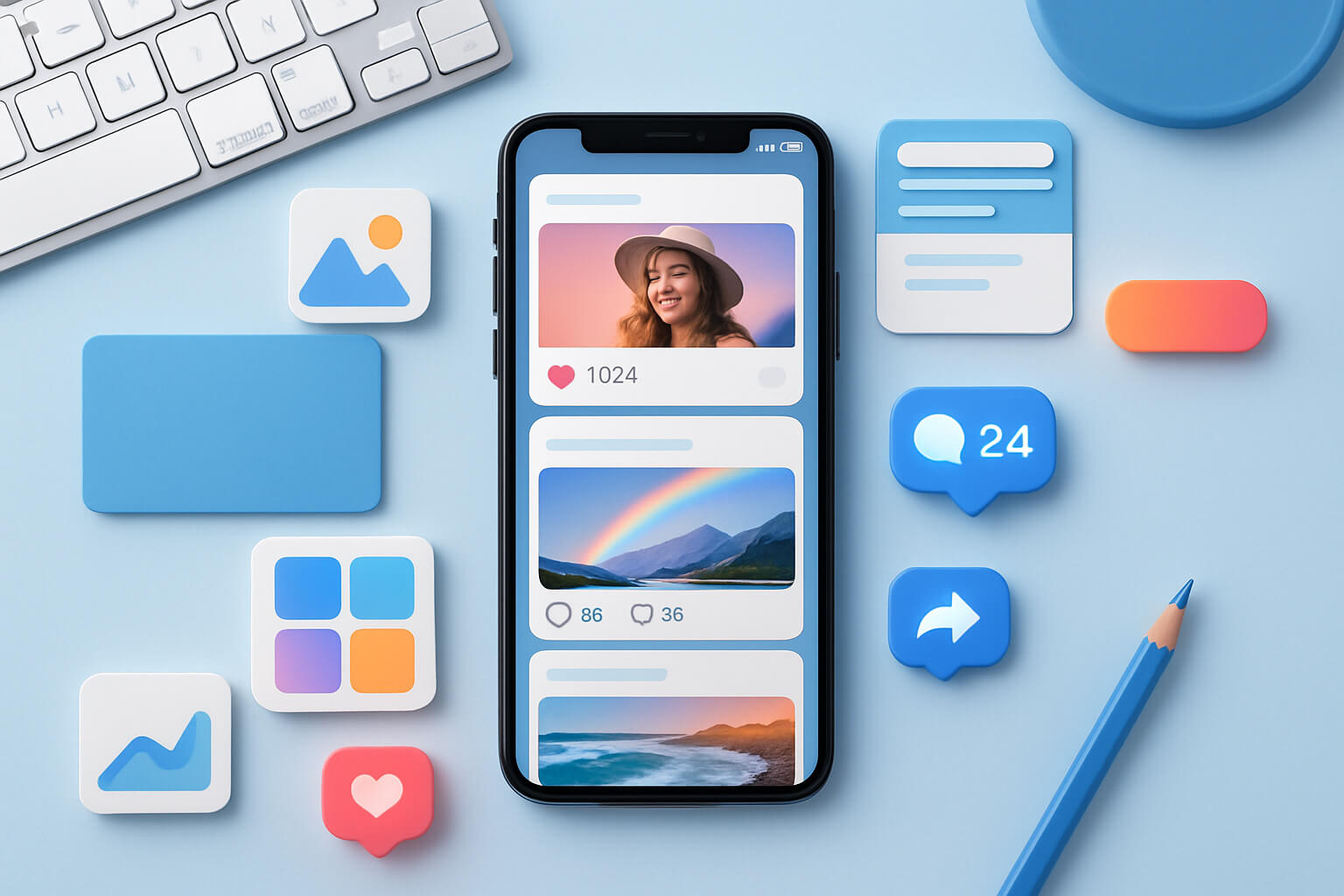
In the fast-paced world of social media, grabbing attention is harder than ever. Users scroll through their feeds in seconds, so your content must stand out instantly. One of the most effective ways to achieve this is through visual design. From colors and typography to layout and imagery, visual design can dramatically increase engagement, boost brand recognition, and encourage users to take action.
In this article, we’ll explore how to use visual design to increase engagement on social media and provide actionable tips to make your content more compelling.
1. Understand Your Audience
Before creating any visual content, it’s crucial to know who your audience is. Different demographics respond to different colors, styles, and formats.
Tips:
- Analyze your audience’s age, interests, and preferences.
- Use analytics tools like Facebook Insights, Instagram Analytics, or LinkedIn Analytics to see which posts perform best.
- Tailor visuals to match your audience’s expectations and platform trends.
By aligning your visual design with your audience’s preferences, you increase the chances of grabbing attention and boosting engagement.
2. Use Eye-Catching Colors
Color is one of the most powerful elements of visual design. It can evoke emotions, convey messages, and make your posts more memorable.
How to Use Colors Effectively:
- Choose brand colors consistently across all posts.
- Use contrasting colors to make text and call-to-action (CTA) buttons stand out.
- Incorporate trending colors that resonate with your audience.
- Avoid overloading posts with too many colors; simplicity is key.
Proper color usage enhances visibility, improves readability, and increases the likelihood that users will interact with your content.
3. Focus on Typography
Typography is not just about selecting fonts—it’s about communicating your message clearly. The right font choice can make your content look professional, readable, and engaging.
Typography Tips:
- Use 2–3 fonts max per post to maintain consistency.
- Highlight key points with bold or larger fonts.
- Ensure readability, especially on mobile screens.
- Match font style with the tone of your message (e.g., playful fonts for casual content, clean fonts for professional posts).
Readable and attractive typography improves comprehension and keeps your audience engaged.
4. Incorporate High-Quality Images and Graphics
Visual content performs significantly better than plain text on social media. High-quality images, graphics, and illustrations capture attention and encourage shares.
Tips for Effective Visuals:
- Use original or professionally designed images to stand out.
- Include infographics to simplify complex information.
- Maintain a consistent style across all posts for brand recognition.
- Use visuals that complement the message, not distract from it.
Engaging visuals increase likes, comments, and shares, ultimately driving more interaction on your social media channels.
5. Use Layout and Composition Strategically
How elements are arranged in your design can influence how users perceive and interact with your content.
Composition Tips:
- Apply the rule of thirds to position key elements effectively.
- Create clear visual hierarchy with headings, subheadings, and CTAs.
- Leave sufficient white space to avoid clutter and improve readability.
- Align text and visuals for a balanced and professional appearance.
A well-composed design guides the viewer’s eye and encourages them to engage with your content.
6. Incorporate Consistent Branding
Consistency is critical for building recognition and trust. Every post should reflect your brand identity, including colors, fonts, logos, and visual style.
Branding Tips:
- Use a style guide to ensure uniformity across posts.
- Add subtle watermarks or logos on images for brand reinforcement.
- Keep filters, color schemes, and typography consistent.
Consistent branding not only improves recognition but also makes your social media presence look professional and cohesive.
7. Include Clear Calls-to-Action (CTAs)
Visual design is not just about aesthetics; it’s about driving action. Clear CTAs can increase clicks, shares, and engagement.
CTA Tips:
- Make buttons or links visually distinct using color and size.
- Use action-oriented words like “Learn More,” “Sign Up,” or “Shop Now.”
- Position CTAs strategically where users’ eyes naturally go.
Effective CTAs combined with compelling visuals can significantly boost user interaction.
8. Test and Optimize Your Designs
Social media trends and audience preferences change constantly. Regularly testing and optimizing your visuals ensures maximum engagement.
Tips:
- A/B test different images, colors, and layouts.
- Monitor engagement metrics to see which designs work best.
- Update templates and visuals based on performance insights.
- Experiment with new formats like reels, carousels, and stories.
By continually optimizing your designs, you stay ahead of competitors and maintain high engagement rates.
Conclusion
Visual design is a powerful tool to increase engagement on social media. By focusing on your audience, using the right colors, typography, high-quality visuals, strategic layout, consistent branding, clear CTAs, and continuous optimization, your content will stand out, attract attention, and drive meaningful interactions.
Investing in professional visual design isn’t just about making your posts look good—it’s about boosting engagement, building brand credibility, and driving growth on social media.